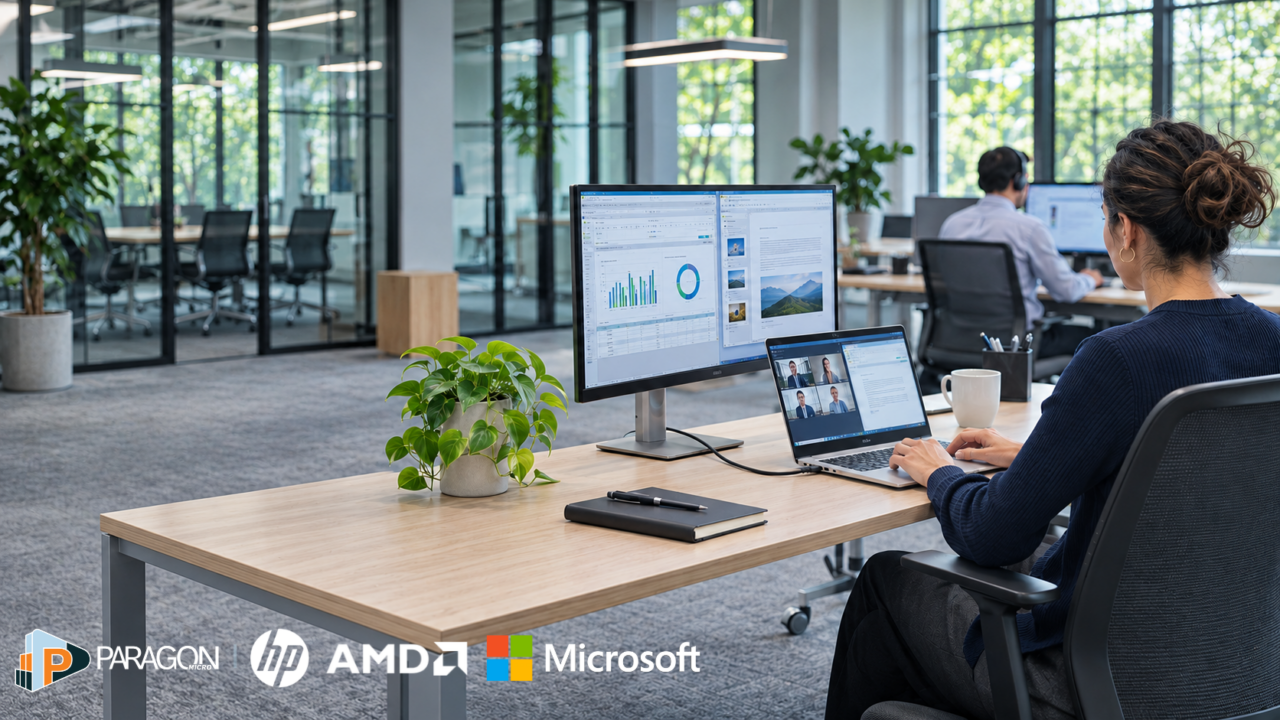
A successful PC refresh connects Windows 11 readiness, employee performance, endpoint security, and deployment planning. HP commercial PCs powered by AMD processors, together with Microsoft management tools, offer one approach to supporting those needs. Paragon Micro can help coordinate device sourcing, preparation, and rollout.
Microsoft Ignite puts new possibilities on the IT agenda, from expanding the use of AI to strengthening security and improving hybrid work. Turning those possibilities into everyday improvements, however, depends partly on the computers employees use to get their work done. For organizations planning a Windows 11 migration or business PC refresh, those devices are an important place to start.
When those devices struggle with current applications or require frequent troubleshooting, introducing new capabilities becomes harder. Employees spend time working around performance issues, while IT teams devote more resources to keeping the existing environment running. Those challenges can slow progress before a new initiative gets underway.
A well-planned business PC refresh can help address both sides of that problem by giving employees devices suited to their work and giving IT a consistent way to secure, deploy, and support them. One possible approach combines HP commercial PCs powered by AMD processors with Windows 11 and Microsoft security and management services.
Making that investment count starts with understanding what the current environment can support and where it needs to improve.
Assess Windows 11 readiness and workforce needs
A useful Windows 11 migration plan begins with how employees work. Someone moving between offices and customer meetings may need a lightweight laptop with dependable battery life, while an analyst working with large files may need more memory and processing power. Understanding those differences helps IT evaluate whether existing computers can continue to meet employees’ needs.
Windows 11 readiness adds another consideration to that review. Windows 10 version 22H2 reached end of support on October 14, 2025, leaving organizations still completing the transition with decisions about which devices to upgrade or replace. Extended Security Updates can provide critical and important security updates for eligible enrolled devices while migration continues, but organizations still need a plan for completing that work.
That plan should account for more than operating system compatibility. A laptop may qualify for Windows 11 and still struggle when an employee joins a video meeting while working across several business applications. An operating system upgrade alone may leave that employee facing the same daily frustrations.
Evaluating devices under real working conditions helps reveal those gaps. By looking at application performance, meeting quality, and the accessories employees depend on, IT can identify which computers remain suitable and where replacement would offer more value. Those findings give IT and purchasing teams a shared set of priorities for the refresh.
Choose HP PCs with AMD processors for real workloads
With those priorities established, organizations can select devices around the needs they have identified. Grouping employees by similar working requirements helps keep that process manageable, allowing IT to support a small set of approved configurations while still accounting for differences between roles.
HP’s commercial portfolio includes AMD-powered business laptops, desktops, and select workstations, giving organizations options for mobile employees, everyday business users, and teams running more demanding applications. Selecting among those options means considering how processing power, memory, storage, and battery life work together throughout the employee’s day.
For example, a device that performs well with a single application open may deliver a different experience during a video meeting with several other tools running. Testing those activities together, along with the docks and displays employees use, provides a more useful picture of whether a configuration is right for the role.
The same principle applies to AI capabilities. Select HP systems with AMD Ryzen AI processors can accelerate supported AI tasks on the device, but their value depends on the applications employees will use. Connecting those capabilities to a defined use case helps organizations make an informed investment as their AI plans develop.
A pilot with representative employees can validate these choices before purchasing expands. It also gives IT an opportunity to confirm that the selected devices meet security and management requirements alongside performance expectations.
Find devices that fit your workforce. Explore HP computers and accessories through Paragon Micro’s online store.
Strengthen endpoint security with HP and Microsoft
As new devices enter the organization, they need to fit into a consistent approach to protection and support. That becomes especially important when employees work across locations and IT cannot rely on having every computer physically available for setup or troubleshooting.
Building security requirements into the approved configuration helps establish that consistency before deployment. Supported HP commercial PCs offer HP Wolf Security for Business capabilities, with specific protections varying by model and configuration. Reviewing those capabilities during selection helps IT understand how each device will fit into the organization’s broader security approach.
Microsoft services can support ongoing management once those devices are in use. Intune helps IT manage devices and applications, while Defender for Endpoint helps identify threats. With the appropriate licensing and configuration, device risk information can inform compliance policies, and Entra Conditional Access can use that compliance status to control access to company resources.
Together, those capabilities can help IT recognize when a device presents a risk and restrict its access while the issue is addressed. Establishing and testing that process during the refresh gives the organization a more consistent way to respond across its workforce.
It also makes purchasing requirements clearer. Once IT has defined the performance, protection, and management capabilities each device needs, procurement can evaluate options against a complete set of business requirements.
Reduce setup work before devices reach your team. Paragon Micro’s System Readiness Center can prepare computers with the applications, settings, and security requirements your employees need.
Align PC refresh purchasing with IT requirements
A clear device standard gives purchasing teams a stronger basis for responding when pricing, availability, or delivery timelines change. Rather than revisiting requirements each time an order needs to be adjusted, they can compare available options against configurations IT has already evaluated.
Agreeing on acceptable substitutes in advance adds flexibility to that process. An alternative device may be suitable if it supports the same workloads, security requirements, accessories, and support expectations. Having those criteria in place helps teams respond to availability changes without creating avoidable problems later.
Cost comparisons should reflect those operational needs as well. A lower purchase price may offer limited value if a device requires different accessories, additional setup, or a separate support process. Considering those expenses alongside licensing and warranty coverage gives the organization a clearer view of the full investment.
Purchasing in phases can help align deliveries with IT’s capacity to prepare and deploy devices. It also creates room to apply lessons from the first group before later orders move forward, with pricing and availability reviewed as each phase approaches.
That coordination keeps purchasing focused on the outcome that matters: getting suitable, supported equipment into employees’ hands when they need it.
Simplify device deployment for a hybrid workforce
Once devices reach employees, the quality of that planning becomes visible. A new hire should be able to access the applications needed to get started, and an employee receiving a replacement laptop should be able to return to work with minimal disruption. Delivering those experiences consistently becomes more important as the organization adds people and locations.
Microsoft deployment and management tools can help make the process repeatable. With the required setup in place, Windows Autopilot can simplify initial device setup and enrollment into management, supporting deployment to employees across locations.
To make that experience reliable, IT should test the full process before expanding the rollout, from the employee’s first sign-in through application access and security settings. Resolving issues during a pilot helps reduce the likelihood that the same problem will affect a larger group.
The same approach should extend beyond initial setup. Clear processes for troubleshooting, recovery, replacement, and secure retirement help IT support devices throughout their working life. Tracking setup issues, support requests, and the time employees need to become productive can reveal where those processes need improvement.
Over time, that feedback gives the organization a better basis for its next refresh, connecting everyday support experience back to device selection and purchasing.
Plan your next PC refresh with Paragon Micro
Ignite can help organizations identify new opportunities, while a coordinated refresh creates a practical path toward supporting them. Understanding employee needs guides device selection, and evaluating security and management requirements alongside performance gives purchasing teams a clear standard to work from. Consistent deployment and support then help carry those decisions into everyday work.
HP, AMD, and Microsoft offer one possible way to bring those elements together. The right combination will depend on the organization’s applications, workforce, budget, and plans for growth.
Bring your next refresh into focus. Work with Paragon Micro to coordinate device sourcing, configuration, and rollout around your workforce, locations, and timeline.
Frequently asked questions about Windows 11 migration and PC refresh planning
What should a Windows 11 migration plan include?
A Windows 11 migration plan should assess device eligibility, application compatibility, employee workloads, security requirements, and deployment capacity. Use those findings to decide which computers to upgrade or replace, validate configurations in a pilot, and schedule the rollout around business needs.
Do Windows 11 compatible PCs still need to be replaced?
Not always. A compatible PC may remain suitable if it runs the employee’s applications reliably and meets security and support requirements. Test everyday workloads, including video meetings and multitasking, before deciding whether an operating system upgrade is enough or a replacement would provide more value.
How do HP PCs with AMD processors support workforce modernization?
HP offers AMD-powered business PCs for different roles and working environments. Organizations can match processing power, memory, storage, and mobility to employee needs. Select systems with AMD Ryzen AI processors also support compatible AI tasks on the device; the benefit depends on the applications and configuration.
How can Paragon Micro help with a business PC refresh?
Paragon Micro can help coordinate device sourcing, configuration, and rollout around workforce needs and deployment timelines. Its System Readiness Center can prepare devices with required applications and settings before delivery, helping IT teams reduce setup work when computers reach employees.