

Surface for Business
Your workday, on the right Surface.
A site visit, a sales call and a day in spreadsheets ask different things of a device. Paragon Micro helps you choose the Surface each person can put to work.
 Mobile work

Surface Laptop 713.8-inch touchscreen · 16 GB RAM · 512 GB SSD
↗The cost of a poor fit
Where does the workday break?
- On siteThe inspection ends at noon. The report waits until someone gets back to Wi-Fi. Would cellular access fix the delay, or does the app need to work offline?
- In a meetingA rep juggles a laptop and a paper form. Could a customer mark up the document on the same device the rep uses to finish the proposal?
- At the deskEvery morning starts with the same handful of cables. If the computer still does its job, could one compatible dock solve the problem?
Surface fit finder
Which setup would make your team’s day easier?
Answer four questions about one team. You’ll get a device or accessory to consider, a link to the exact catalog listing, and a short checklist for your pilot.
From the Paragon Micro catalog
Meet the shortlist.
Compare the exact configurations behind the recommendations.
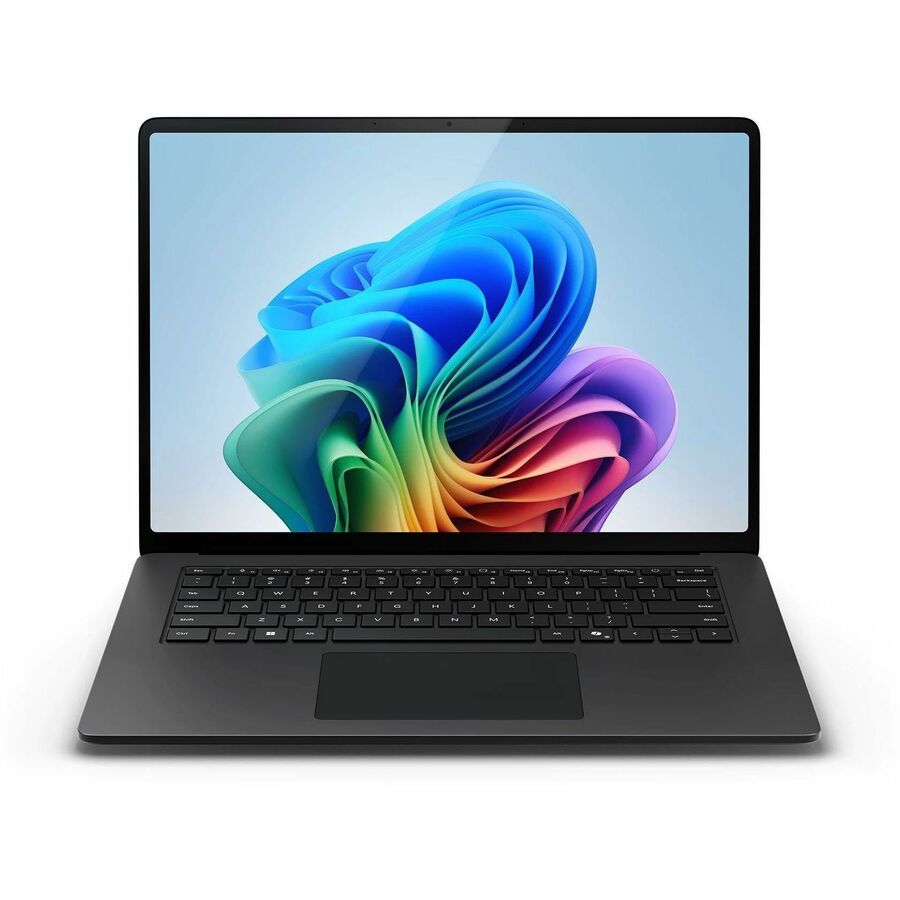
For meetings on the move
Surface Laptop 7
- 13.8-inch touchscreen
- 16 GB RAM
- 512 GB SSD
Part EP2-33247View product
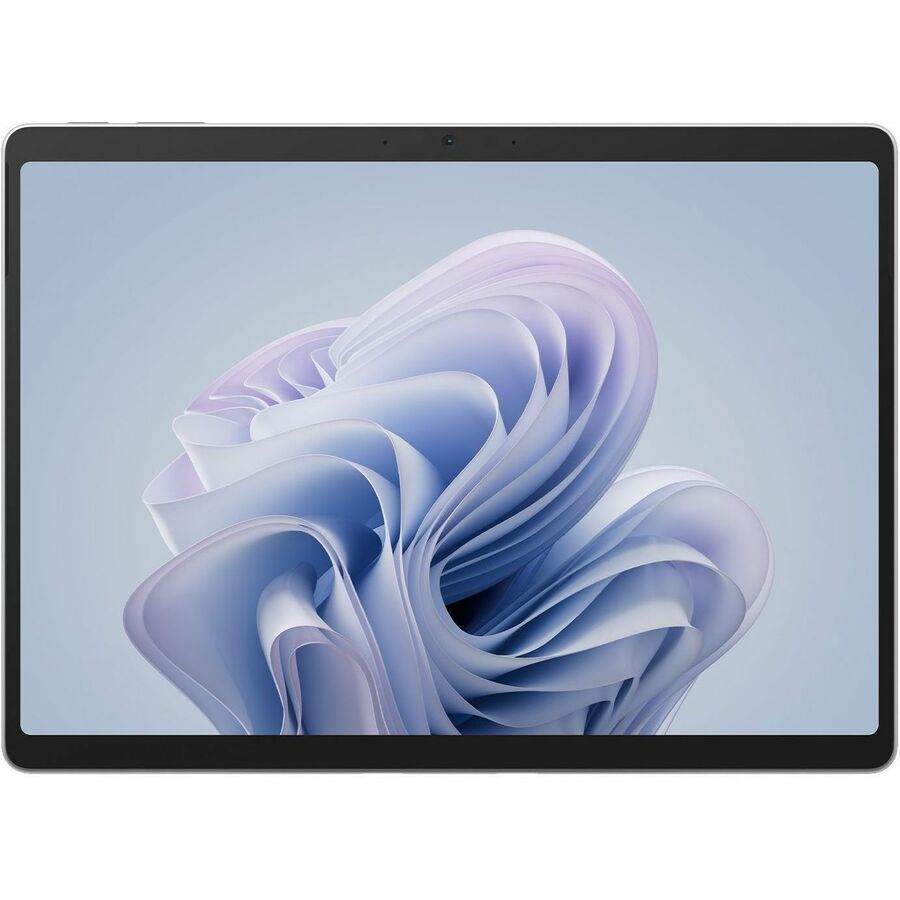
For connected site visits
Surface Pro 10 with 5G
- 13-inch tablet
- 32 GB RAM
- 256 GB SSD
Part EP2-26312View product
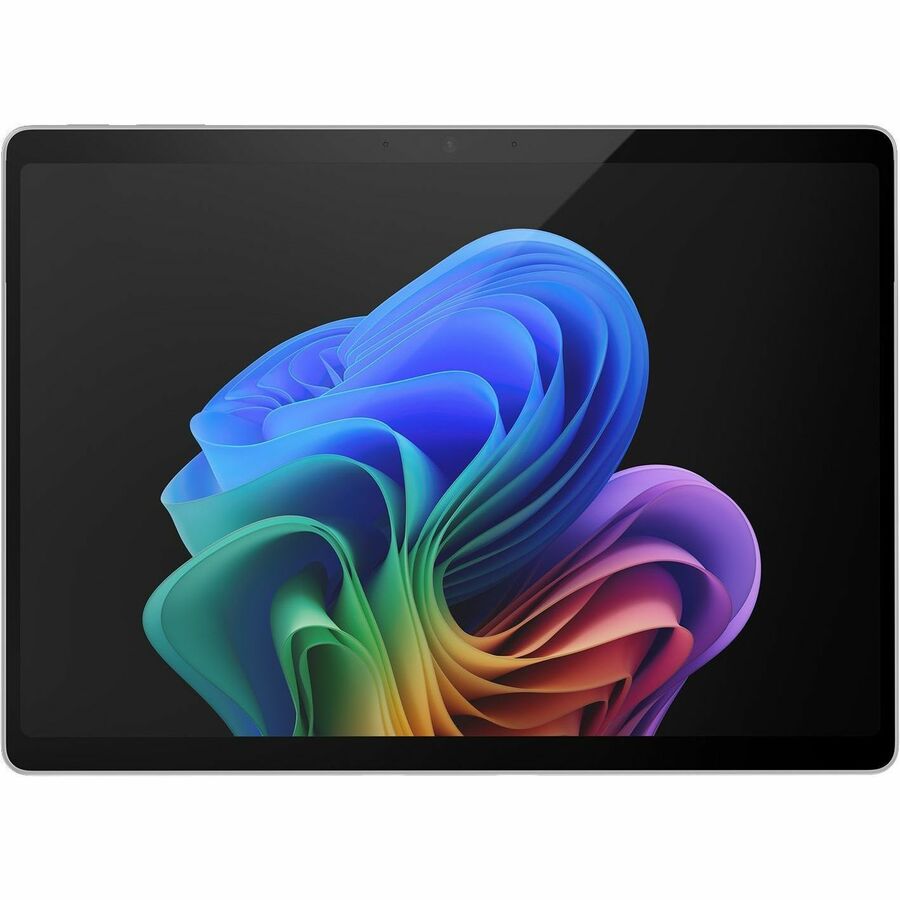
For a larger workspace
Surface Laptop 8
- 15-inch touchscreen
- 32 GB RAM
- 256 GB SSD
Part EP2-53232View product
For handheld reviews
Surface Pro 11
- 13-inch tablet
- 16 GB RAM
- 256 GB SSD
Part EP2-20213View product
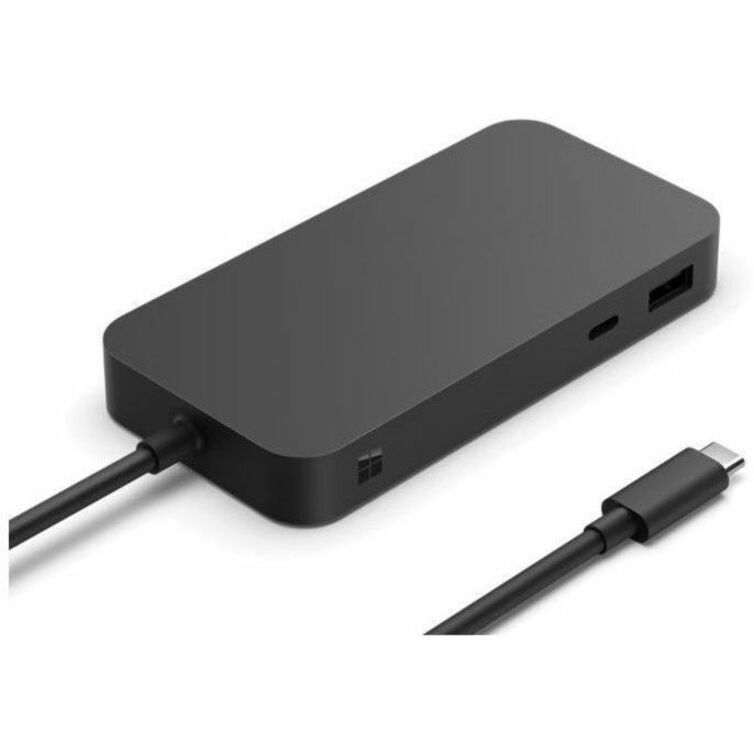
For shared desks
Surface USB4 Dock for Business
- USB4
- Desk dock
- Check host ports
Part EP2-19863View product
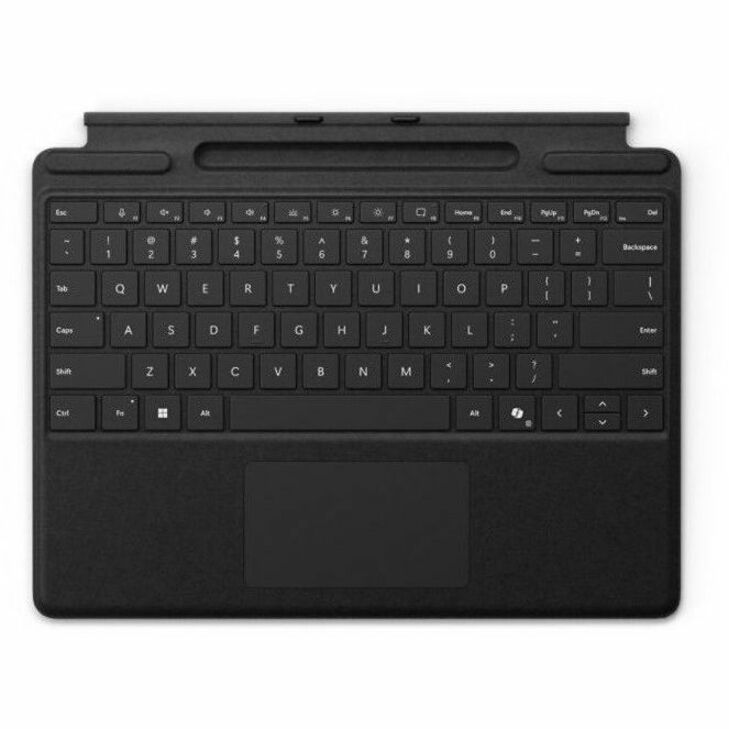
For longer typing sessions
Surface Pro 13-inch Keyboard
- 13-inch Pro
- Bold Keyset
- Pen storage
Part EP2-00152View product
The Paragon Micro approach
Before you order for the team, put one through a full shift.
Bring your Paragon Micro team one role, one typical workday and the gear people already use. That gives us a practical starting point for a pilot.
- Pick the job that exposes the problem.Use a real inspection form, a live spreadsheet or the client presentation your team gives every week.
- Test in the place people do the work.Take the device to the customer site. Connect it to the shared desk. Ask the person who runs the task to try it.
- Price the setup that passed.List the exact device, compatible accessories and any data plan. Use that list when you compare quotes.
Work with Paragon Micro
Bring us the job your current device can’t do.
Tell us who uses the device, where it goes and what slows them down. We’ll help you narrow the configurations worth testing.